The Best Minecraft Seeds for Multiplayer in 2026
The Best Minecraft Seeds for Multiplayer in 2026
Starting a new journey on FreeXCraft? The world you choose can make or break your multiplayer experience. A great spawn point needs to have resources for everyone, space for a massive communal base, and, of course, some epic scenery for those screenshots.
Whether you are playing on Java or Bedrock, here are the top 5 seeds we’ve discovered this year that are perfect for your new server.
1. The Survival Island Haven (Seed: -457891234)
- Key Features: Shipwreck at spawn, buried treasure nearby, and an ocean monument visible from the shore. Perfect for a "Hermitcraft-style" island community.
2. The Triple Mansion Valley (Seed: 8890213456)
- Key Features: Dramatic mountain views and three Woodland Mansions within 2000 blocks. Great for groups looking for an immediate combat challenge.
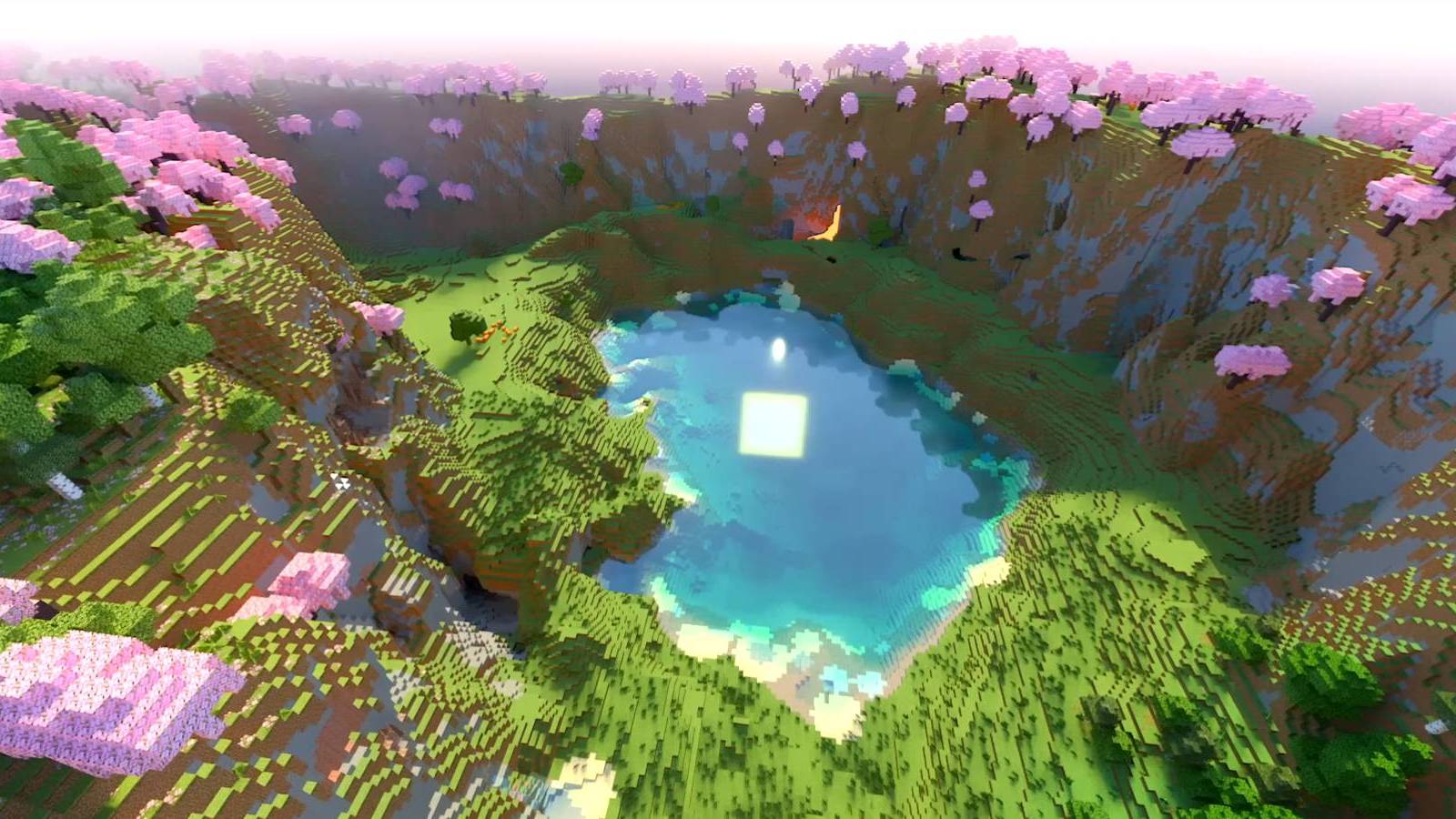
3. The Cherry Blossom Paradise (Seed: 12093485)
- Key Features: A massive Cherry Grove biome that stretches for miles. The ultimate aesthetic choice for builders and chill survival.
4. The 5-Biome Intersection (Seed: 445678902)
- Key Features: Desert, plains, forest, jungle, and badlands all meeting at spawn. Resources are never an issue here.
5. The Ultimate Cave City (Seed: -908712345)
- Key Features: A giant "sinkhole" leading into a massive lush cave system. Build your entire city underground!
How to Apply a Custom Seed on FreeXCraft
Since FreeXCraft gives you full control over your server files, applying a seed is easy. Follow these steps to generate a brand-new world with your chosen seed:
Step 1: Set the Seed
- Go to your FreeXCraft Dashboard.
- Navigate to Settings -> Server.Properties.
- Find the field labeled
level-seed. - Paste your chosen seed from the list above and click Save.
Step 2: Fresh World Generation
For the new seed to take effect, you need to generate a fresh world. The cleanest way to do this is:
- Scroll down to the Danger Zone in your Settings.
- Click Reinstall Server.
- Select your Engine (Paper or Purpur) and Version.
- Confirm Reinstall: This will wipe the old world and automatically use the seed you just saved in your properties!
Step 3: Optimization
After the reinstall, don't forget to toggle Aikar's Flags in your Settings. This ensures that as your players explore those massive new biomes, the server remains lag-free.
Comparison: Why FreeXCraft Seeds Load Faster?
| Feature | Other Free Hosts | FreeXCraft |
|---|---|---|
| Chunk Loading | Slow/Laggy | High-Speed SSDs |
| Optimization | None | Aikar's Flags Ready |
| Control | Limited | Full Server.Properties Access |